ChatCut Desktop can create an editable Jianying Pro or CapCut draft from the active Timeline. This is a Desktop-only handoff, not a rendered MP4. Creating a draft is free; including motion graphics can require a paid plan.
Create the editable draft
Open the project in ChatCut Desktop.
Select Export in the editor header.

Open CapCut in the English interface or 剪映 in Chinese.
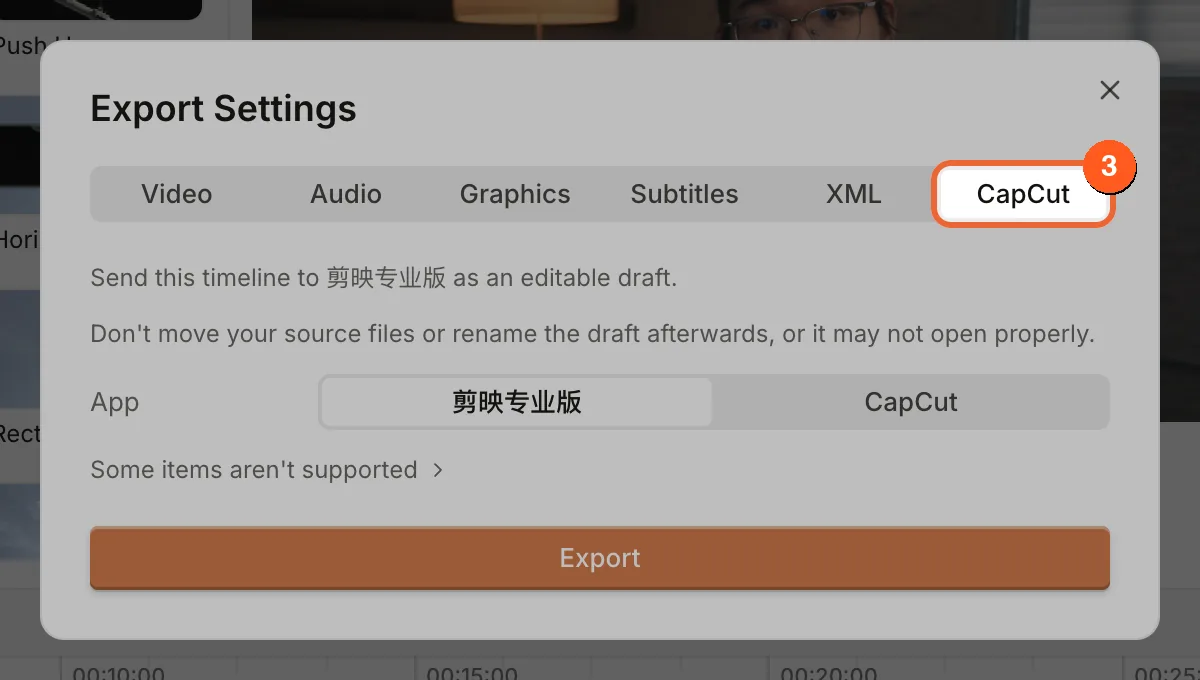
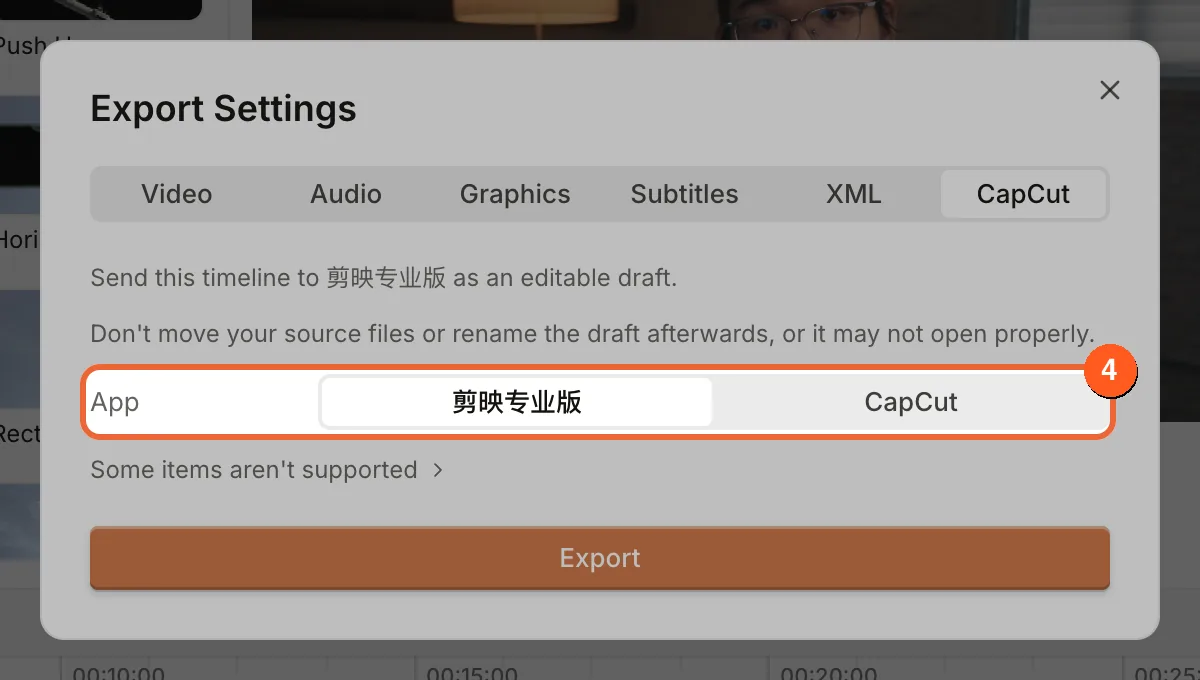
If more than one compatible app is detected, use App to choose the destination.
Optional: if the Timeline has motion graphics, an Include section appears. Enable Motion graphics to render them into the draft as video clips with a transparent background. This can require a paid plan.
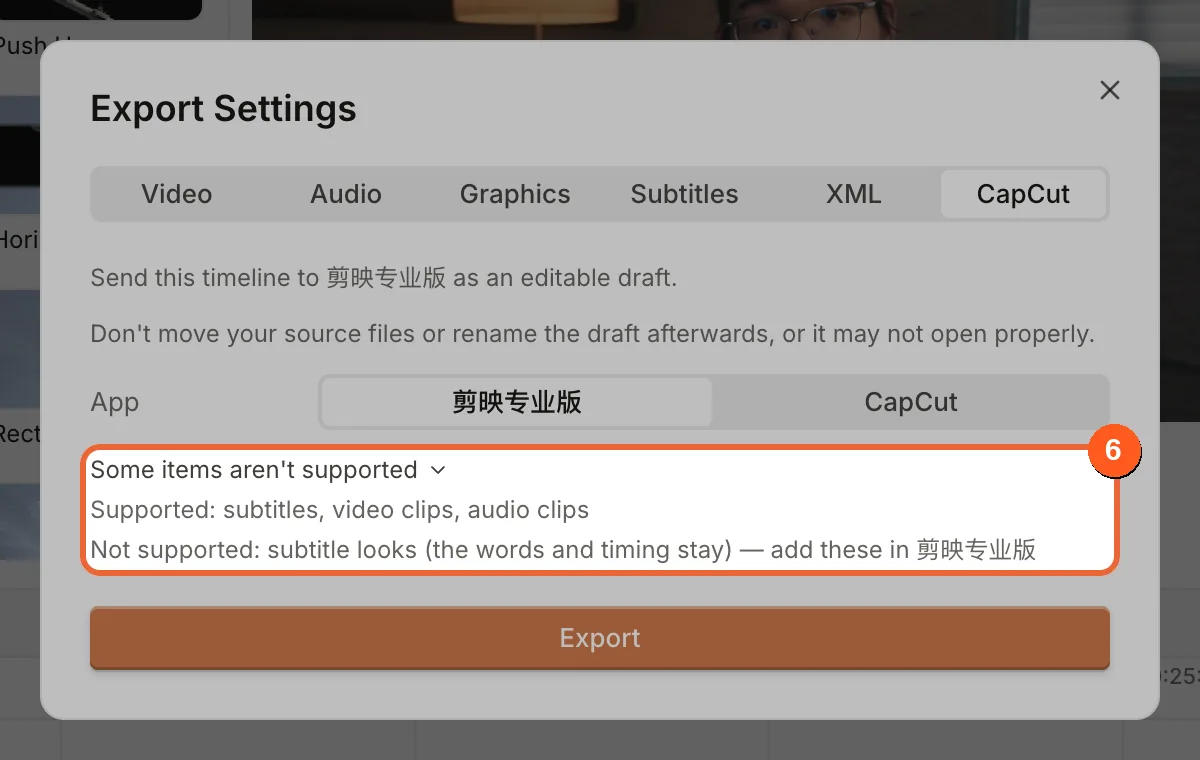
If Some items aren’t supported appears, expand it. Supported lists what comes across; anything under Not supported must be added again in the destination app.
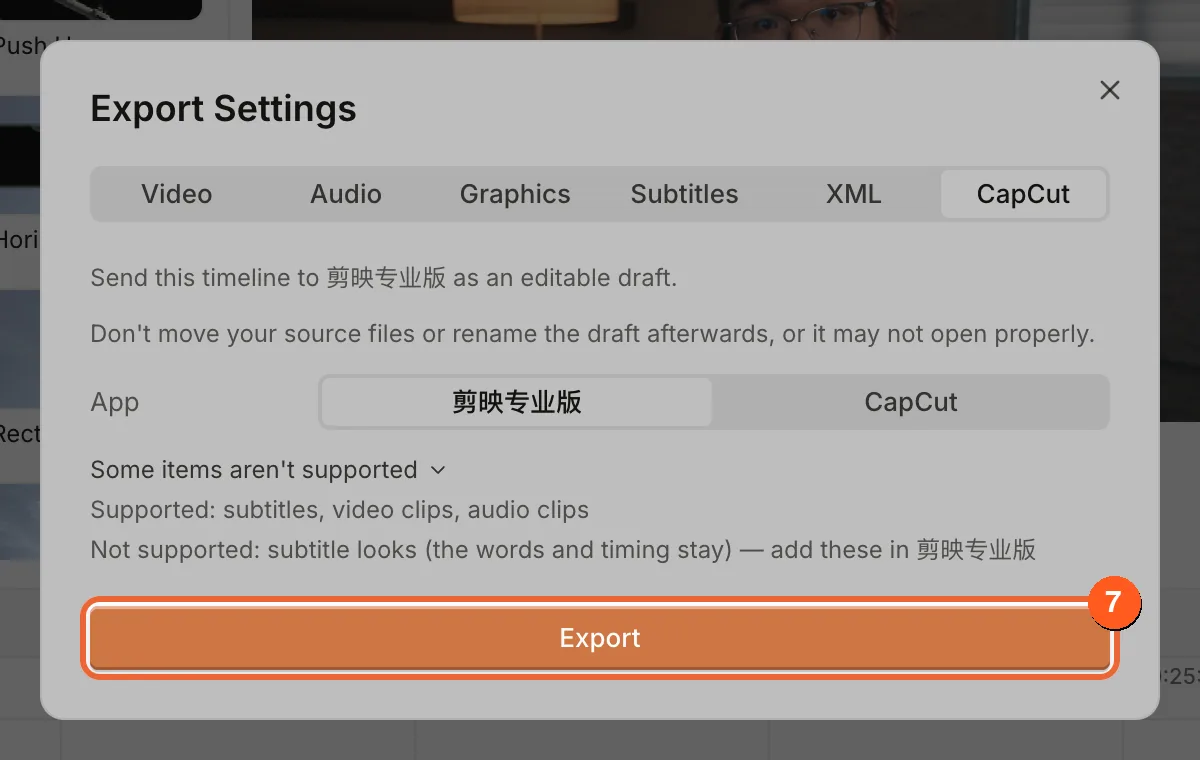
Select Export.
In the Imported to CapCut (or Imported to 剪映专业版) dialog, select Open CapCut or Open 剪映专业版. If the destination was already running, select Restart CapCut or Restart 剪映专业版 so the new draft appears.
The draft can refer to your own media files where they are on this computer. Don’t move your source files or rename the draft afterwards, or it may not open properly. If the destination app’s draft location was changed, the draft might not appear in its list; use Show in Finder (Find In Folder on Windows) in the dialog to find it.
If the destination tab or Export button is missing
- No CapCut / 剪映 tab: confirm that you are in ChatCut Desktop and have installed a compatible app. Close and reopen Export Settings after installation; app detection refreshes when the dialog opens.
- Tab visible but Export disabled: open the destination app once so it creates its draft folder, then close and reopen Export Settings.
The result remains editable, but unsupported ChatCut-only properties are not guaranteed to transfer. Review the destination timeline before delivery.